Home Office Design Ideas
For Focus and Video Calls
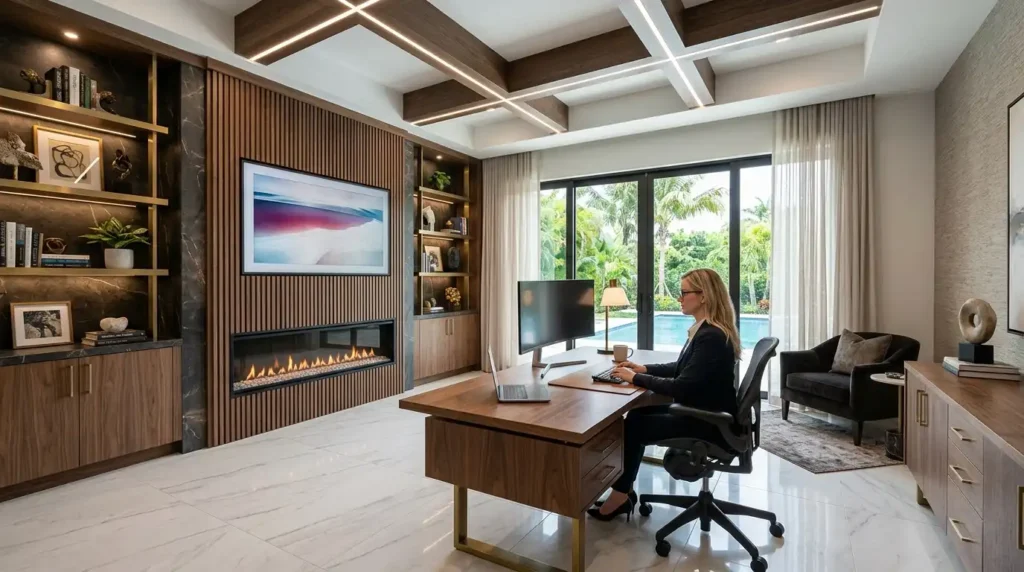
A well-designed home office gets four things right: the desk sits where natural light helps without glaring on the screen, there is enough storage to keep the surface clear, the background looks professional on camera, and sound is controlled so calls stay private. Put the desk beside a window or opposite it, never staring straight into it. Line one wall with built-in shelves and cabinets, layer the lighting with a warm key light on your face, and soften the room with a door, a rug and fabric surfaces.
How Should You Lay Out a Home Office?
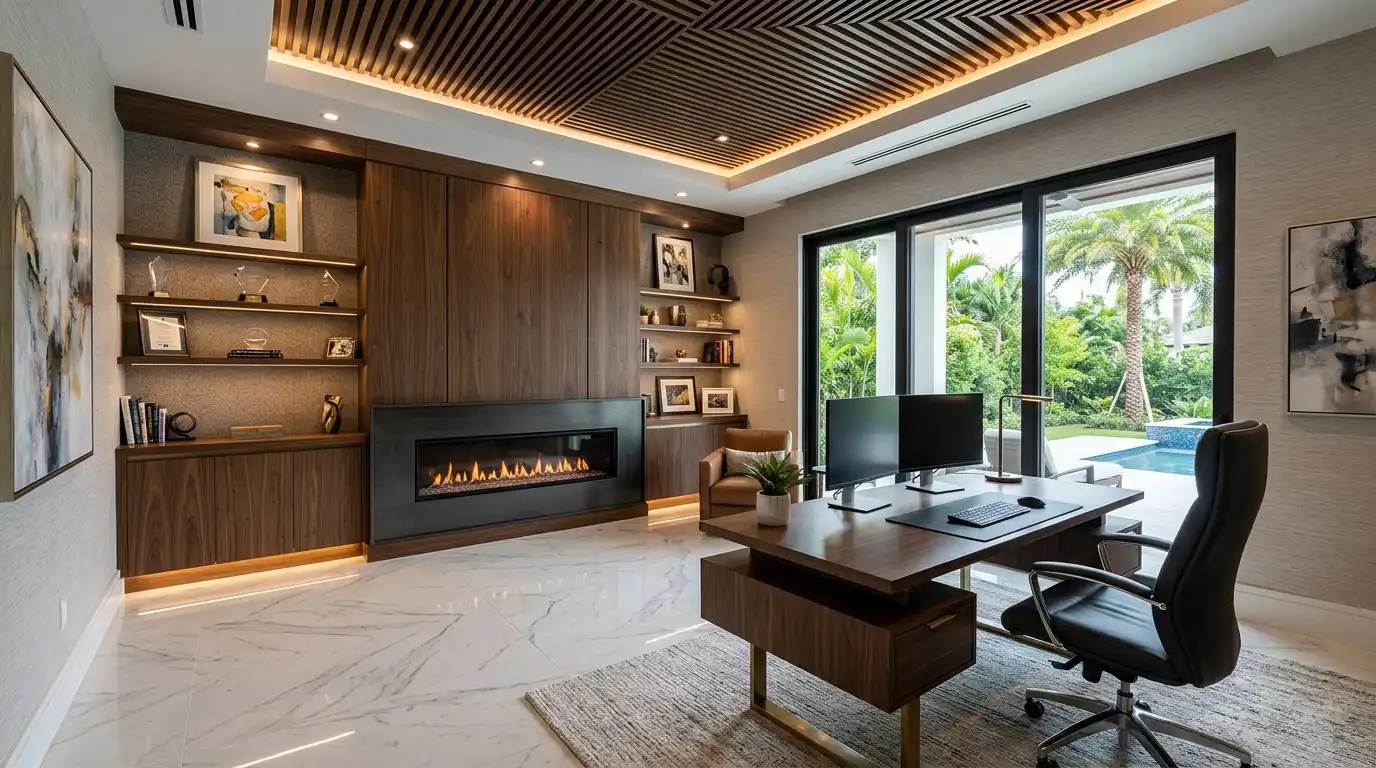
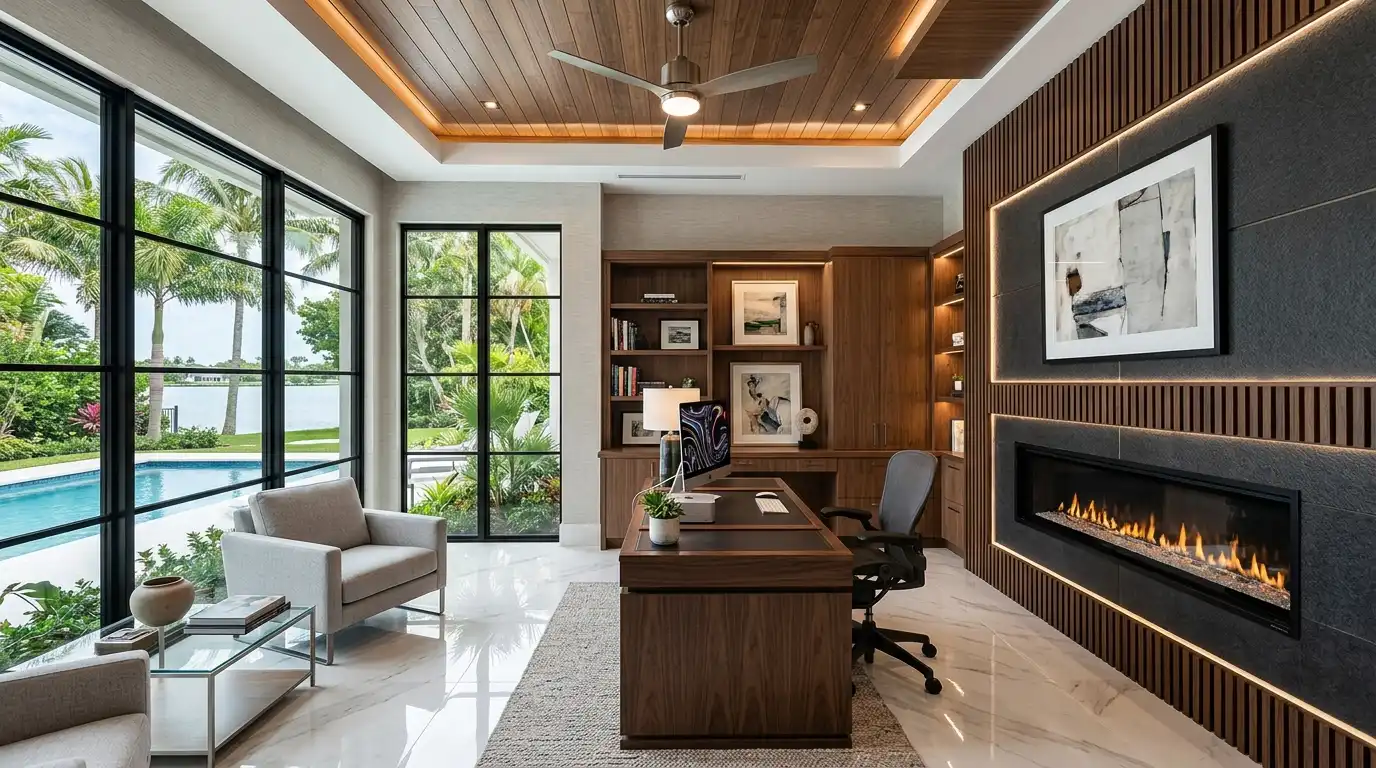
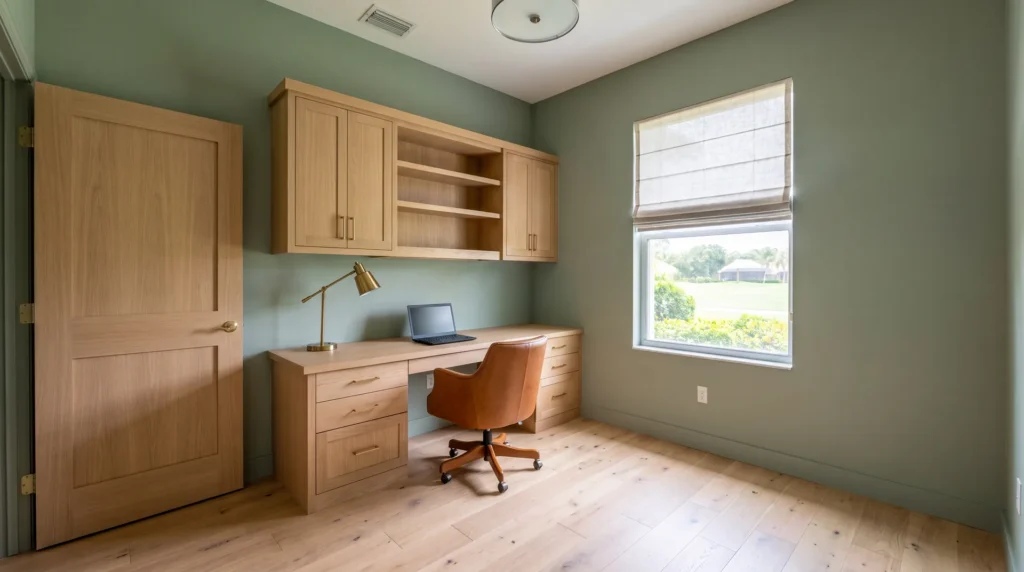
Where the desk goes drives every other decision. Turned at a right angle to a window, it gets daylight without monitor glare or a silhouette on camera. Many people like facing the door, since it feels less exposed. A U- or L-shaped built-in desk leaves space for monitors and papers, and the day feels less monotonous with a second surface at standing height or a reading chair off to the side. Mount data ports and outlets at desk level so nothing trails across the floor.
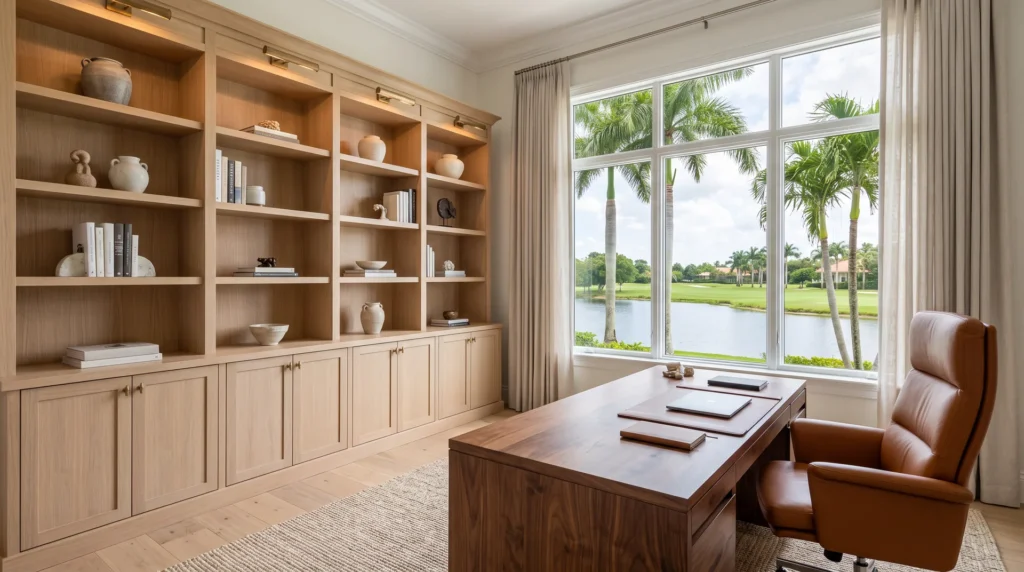
Video calls have rewritten the brief. What sits behind your chair is now part of how you present professionally, so many owners design that wall deliberately: open shelves with a few books and objects, a painted or paneled feature wall, or closed cabinets lit from above. Use a soft light in front of you and keep bright windows out from behind you. Microphones pick up echo from hard surfaces, so it helps a lot to add a rug, drapes, an upholstered chair and some acoustic panels on the wall behind you. For privacy, a solid-core door beats any gadget.
| Element | Suggested approach | Why it counts |
|---|---|---|
| Desk placement | Perpendicular to the main window | Daylight with no screen glare or backlit video |
| Desk depth | Roughly 24–30 in, more for multiple monitors | Holds screens at a comfortable distance |
| Lighting | Ceiling ambient light, task lamp, soft key light in front | Less eye strain and better video |
| Storage | Built-in base cabinets with shelves above | Clears the desk and hides files |
| Acoustics | Rug, drapery, acoustic panels, solid-core door | Reduces echo and keeps calls private |
| Power and data | Desk-height outlets and network ports | No stray cords or weak Wi-Fi |
Browse our home office packages, from a single wall with a built-in desk up to an executive office paneled floor to ceiling.
What Works Best in a Southwest Florida Office?
Strong Gulf light helps and hurts. Rooms facing west get harsh afternoon sun, so low-E glass or solar shades help keep glare and heat off screens. A lot of offices around Naples are former guest bedrooms, and their closets can turn into a printer nook or storage wall once the doors come off. Electronics, paper and wood cabinets all like steady humidity, so keep the office on the home's air conditioning even on days you do not work in it.
Hurricane season is a good reason to put the router, monitors and a few outlets on backup power, because once the modem loses power, so does your workday. Calls stay connected with a compact battery backup or a circuit fed by a standby generator. Seasonal residents who split work between two homes often ask for the office to mirror their setup up north so switching is easy. Built-ins usually need no permit, though new circuits do. Home office packages begin at $8,500, and our free LiDAR scan lets you see how storage, lighting and a desk wall would sit in the room as it is today.
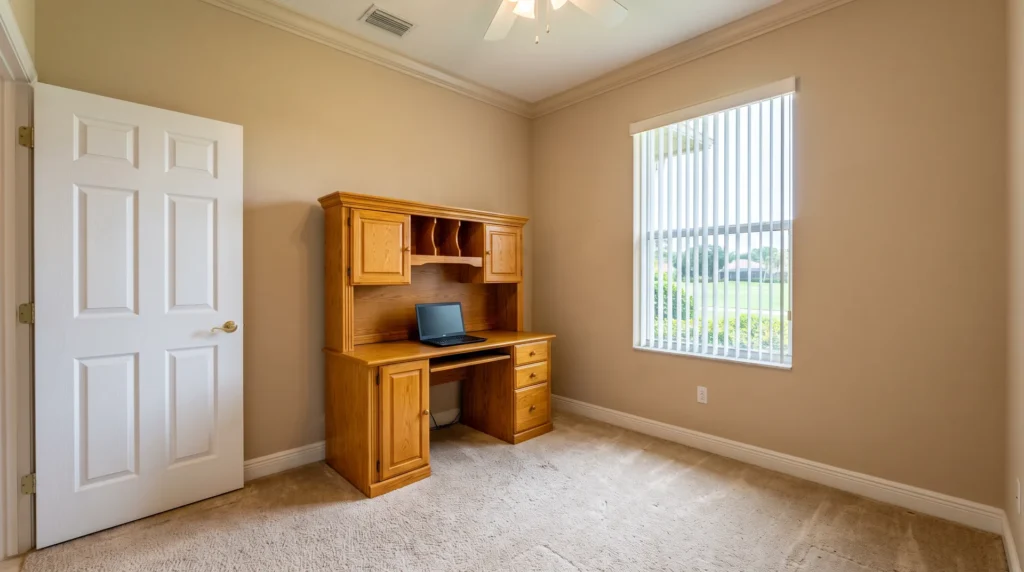
Home Office Design Before &


Home Office Design Questions
In a home office, which direction should the desk face?
Ideally it sits perpendicular to the main window, so daylight comes from the side with no monitor glare and no bright window behind you on video. Plenty of people also prefer to face the door. We try out desk positions in the 3D render before anything gets built.
How can I improve a home office for video calls?
Put a soft, warm light in front of your face, keep bright windows out of the shot, and design the wall behind you with paneling or shelves. A rug, drapery and acoustic panels cut echo, and a solid-core door adds privacy.
Can a guest bedroom double as a home office?
Yes, it is among the most common conversions we see. A fold-down bed can be built right into the desk wall, or you can simply keep a sleeper sofa in the room. Once the closet doors come off, that space often makes an ideal spot for a printer, storage or another workstation.
We scan your room, model the desk, storage and camera backdrop in 3D, and price the job at one fixed number.
More in Home Office Ideas & Custom Built-Ins
Remote Professionals Rely on Cutting Edge
Your home office needs to function eight hours a day and look sharp on video, so we plan the built-ins, lighting, power and acoustics together. Serving Naples and Marco Island from our Naples office, Cutting Edge Kitchen & Bath is a design-build firm that has earned nine Best of Houzz awards across more than 500 Southwest Florida projects. Cabinetry and finishes are ready to compare in our Bonita Springs showroom, 4,000 square feet at 28280 Old 41 Road. Each office starts from a no-cost LiDAR scan plus a photo-real 3D render, after which our own electricians and carpenters do the work on one fixed-price contract.